

DocStudio
In-app help, where your team actually works.
Notion is its own app. Confluence is its own app. GitBook is its own app. Users alt-tab to find docs. DocStudio puts the docs in your MongoDB and surfaces them contextually via Help Drawers on every screen.
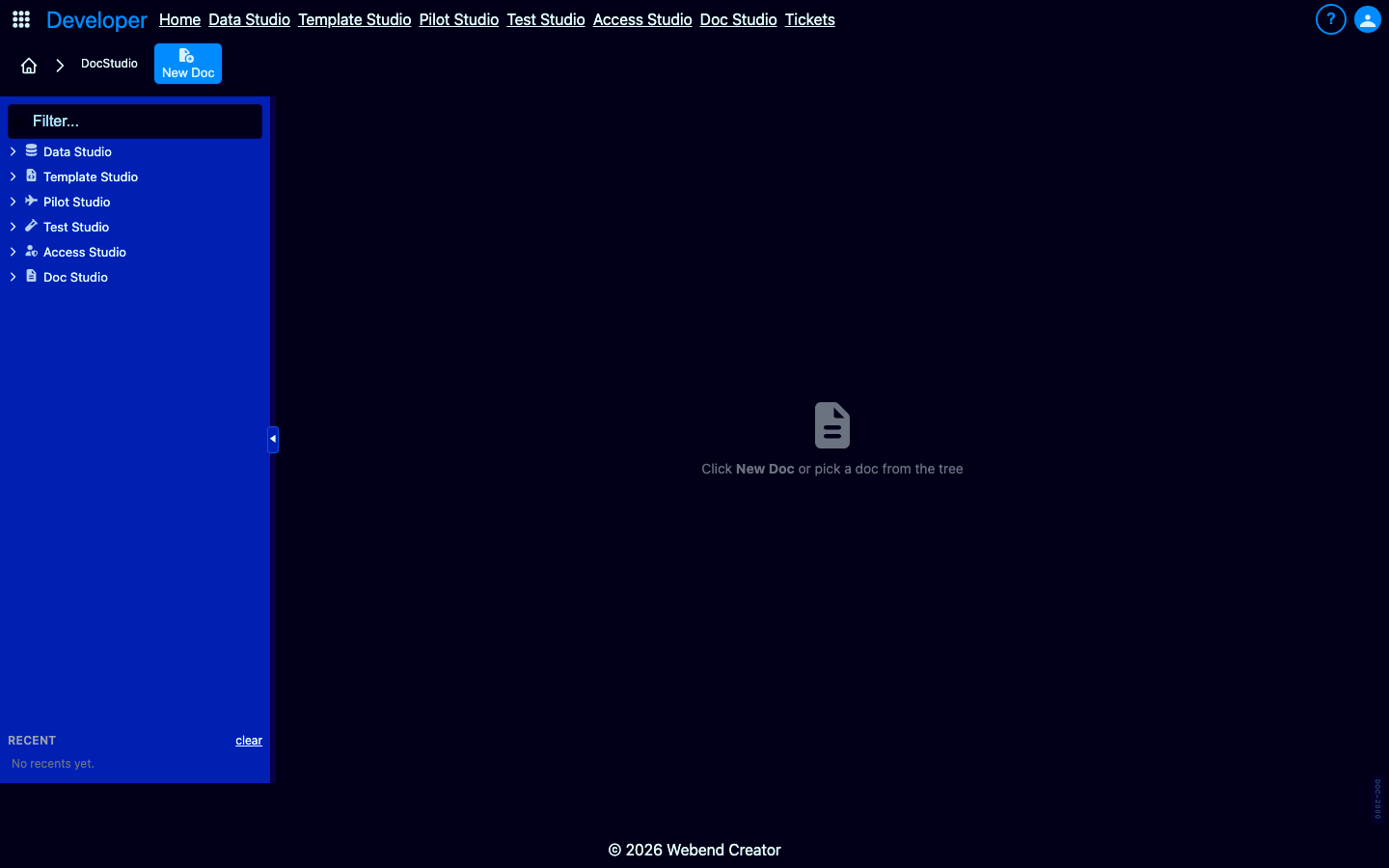
Documentation that lives somewhere else is documentation users won't find.
A user on the Data Masking screen clicks "Help" and gets a search box — not a list of docs about Data Masking. Every help interaction is "where do I start" instead of "here's what's relevant to what you're doing right now."
And the docs themselves live in Notion or Confluence — separate from the app, maintained by separate rituals. When you ship a feature, the README gets updated. The customer-facing help doesn't.
Key features
A doc system that knows where it lives.
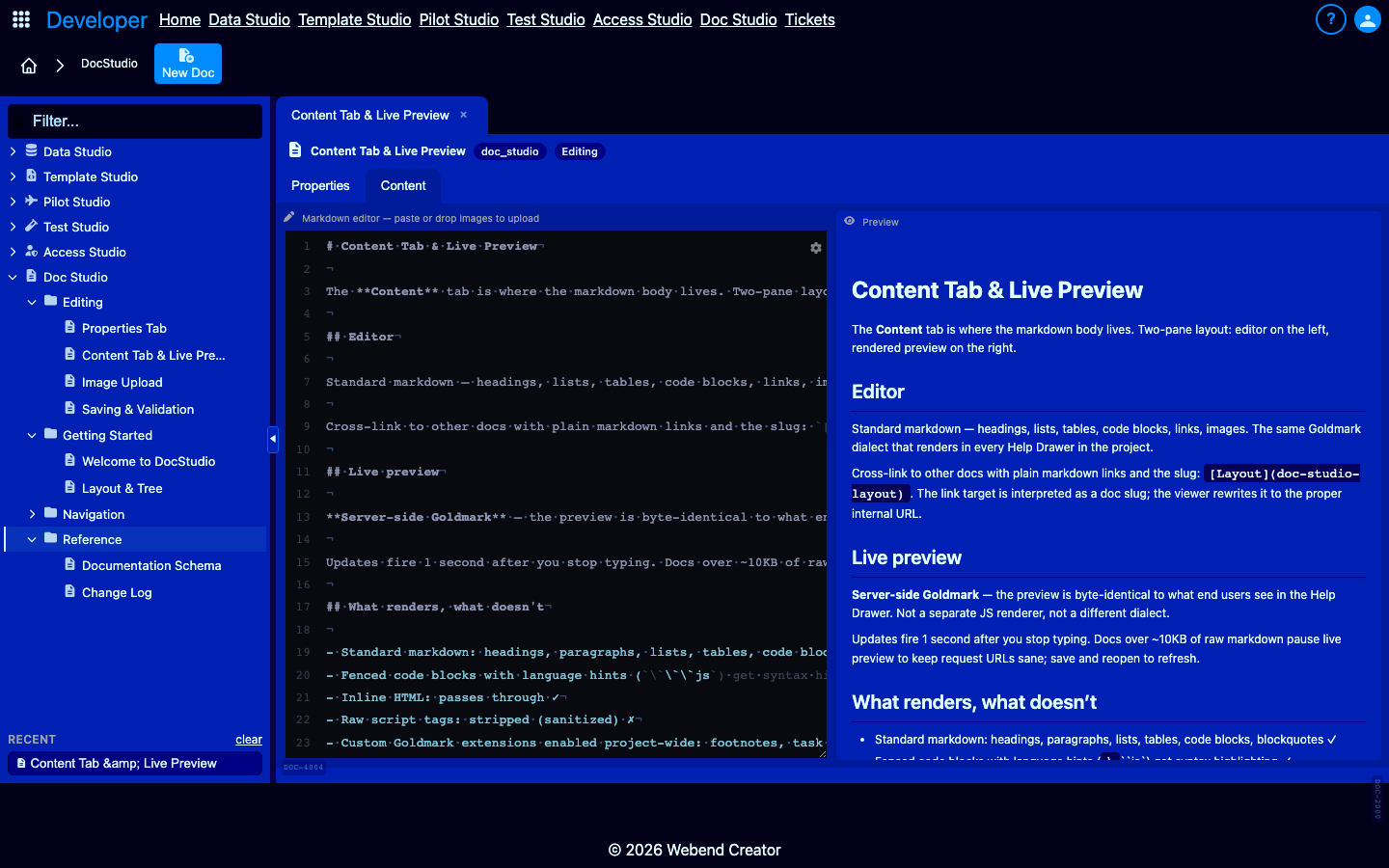
Markdown editor with Goldmark live preview.
Server-side Goldmark renders the preview — byte-identical to what end users see in the Help Drawer. Supports tables, fenced code, footnotes, task lists, strikethrough. Live updates 1 second after you stop typing.
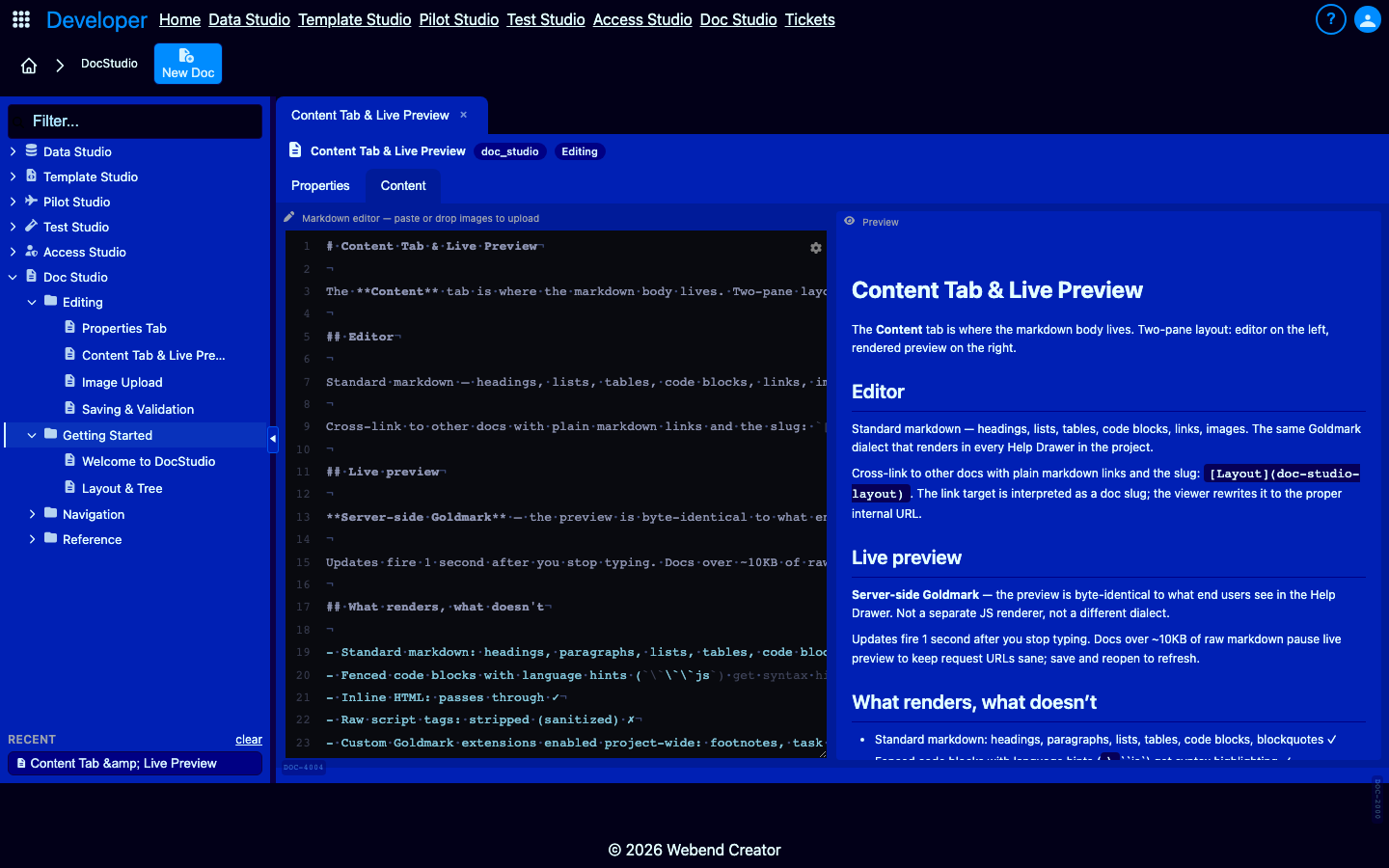
Paste images straight to R2.
Paste from clipboard or drag-drop a file. Uploads to R2 under docs/<slug>/<date>_<filename> and inserts an  reference at the cursor. No separate asset manager. No upload step.
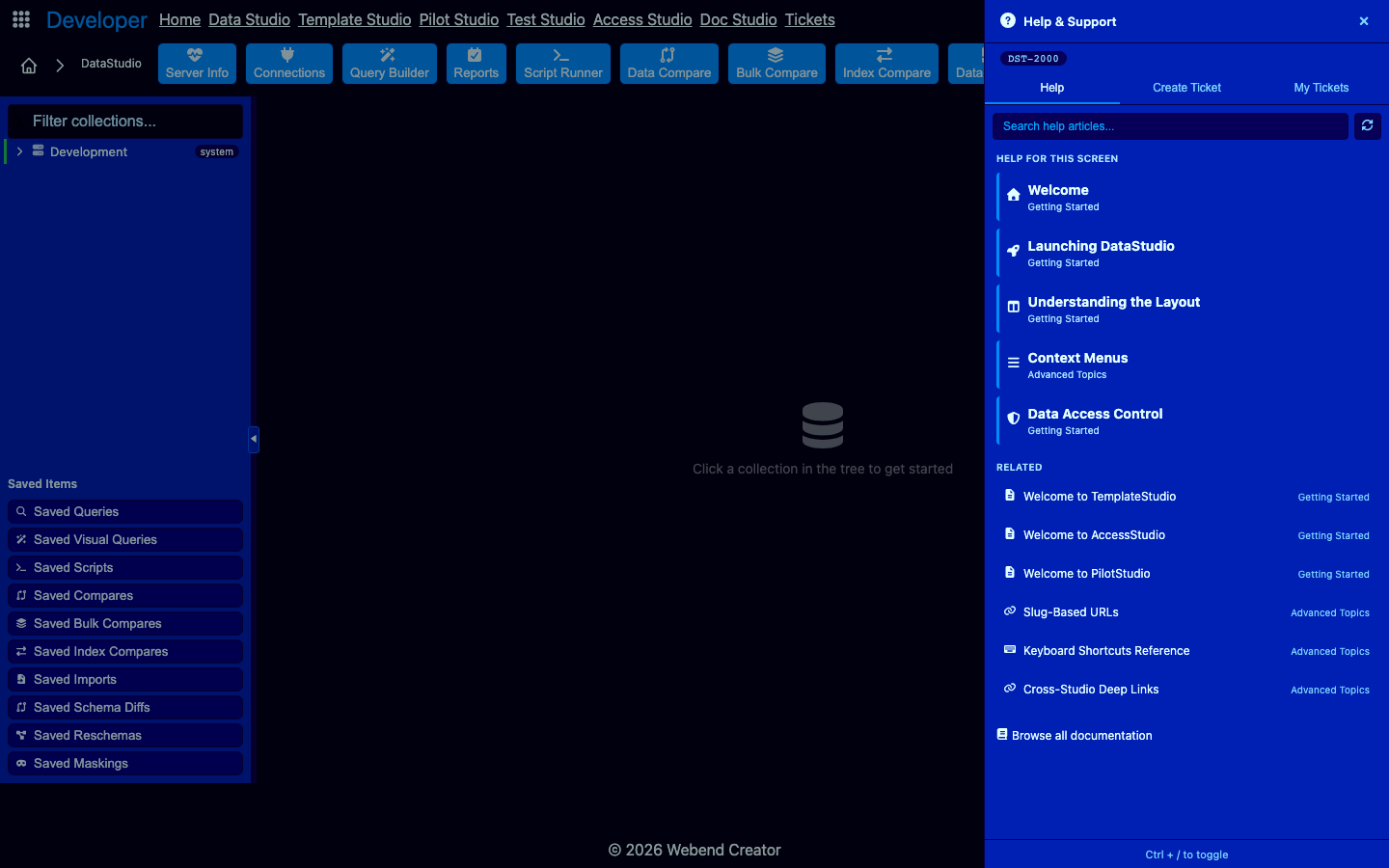
Context-sensitive Help Drawer.
Every page in Webend Creator carries a wc-ref-key. The Help Drawer scans the page on open, queries _documentation for matching reference keys, surfaces only the relevant docs. Targeted help, not search-it-yourself.
Reference-key indexed for stable linking.
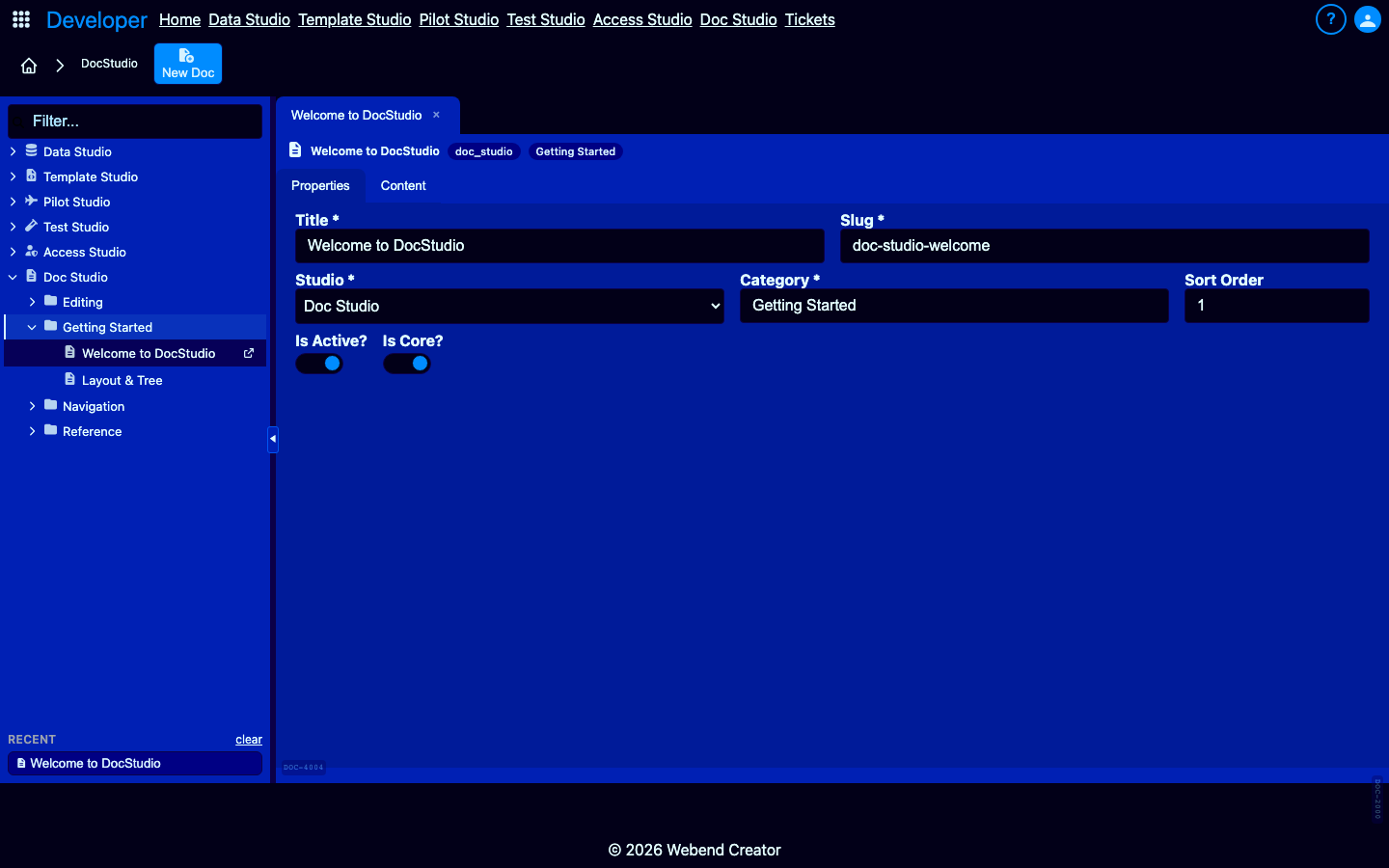
Each doc has a stable reference_key (TS-INTRO-001, DOC-EDIT-002) that survives slug renames and content migrations. The Help Drawer hits it directly. Notion's share links are fragile by comparison.
Tabbed multi-doc editing with sessionStorage persistence.
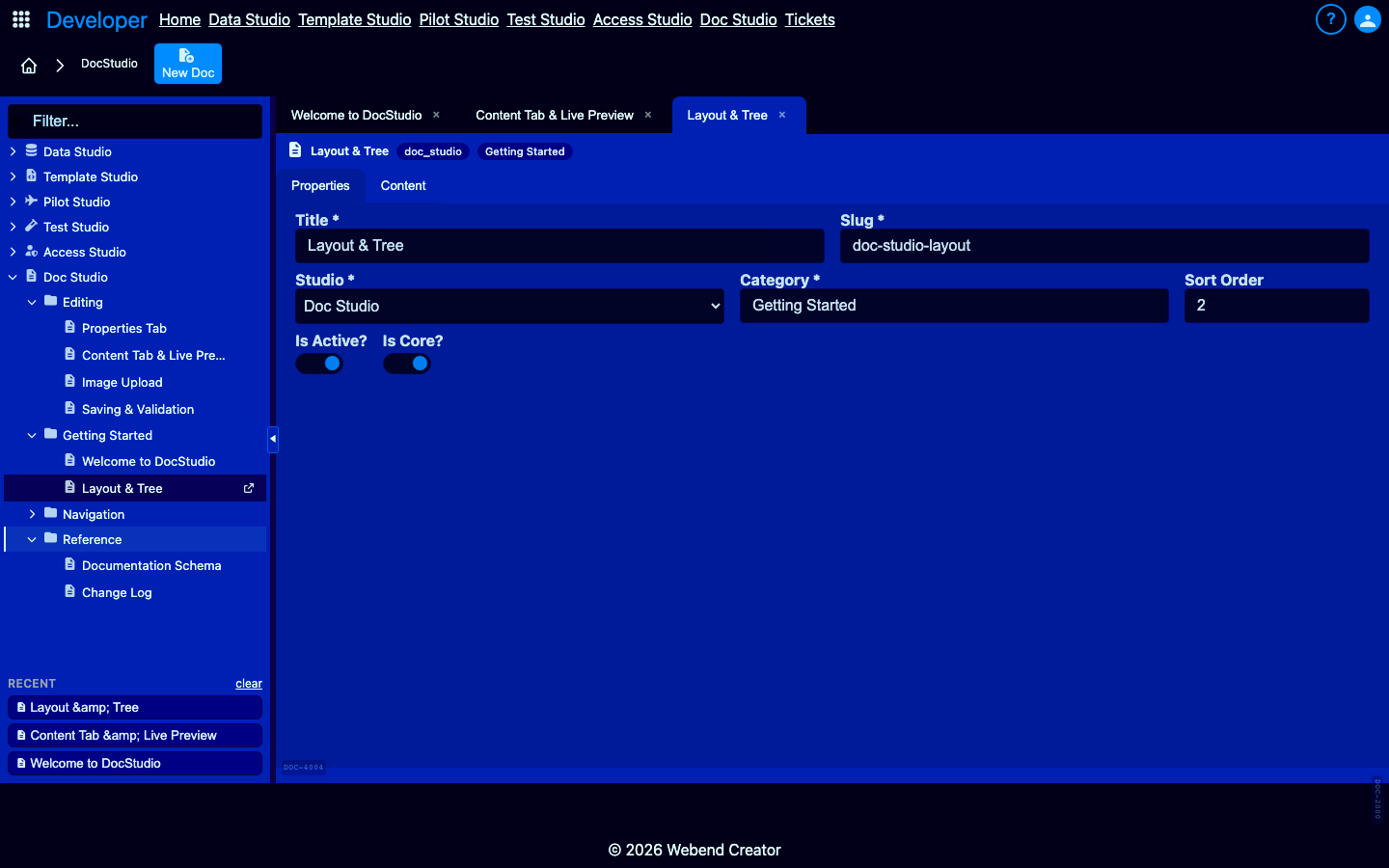
Edit multiple docs in parallel. Tabs persist across browser reloads. Common workflow: open the doc you're editing + the cross-link target + a style reference. Cycle via Alt+PageUp/Down.
What only DocStudio offers
What Notion, Confluence, and GitBook cannot do.
Use cases
What teams build with DocStudio.
Customer-facing in-app help
Every screen's Help Drawer surfaces relevant docs. Customers self-serve without filing tickets.
Internal runbooks
On-call procedures, deploy checklists, vendor integration notes. Live alongside the tools they describe.
Per-feature reference docs
Each studio carries 10-16 focused docs. Hierarchical tree navigation. Reference-key indexed for the drawer.
Customer-tenant white-label docs
Each tenant can override built-in docs with their own. Multi-tenant aware via connection routing.
Docs that live where your team works.
DocStudio is free in every tier — Solo and above unlock authoring, paste-to-R2, and Bulk Compare promotion. Start a 30-day free trial.